Dashboard Demo
See what Helikeep looks like before you buy.
This is a live demo of the Helikeep cloud dashboard. The data is from a real system — a static caravan in Romania with a 200W solar panel and EPEVER Tracer2210AN controller.
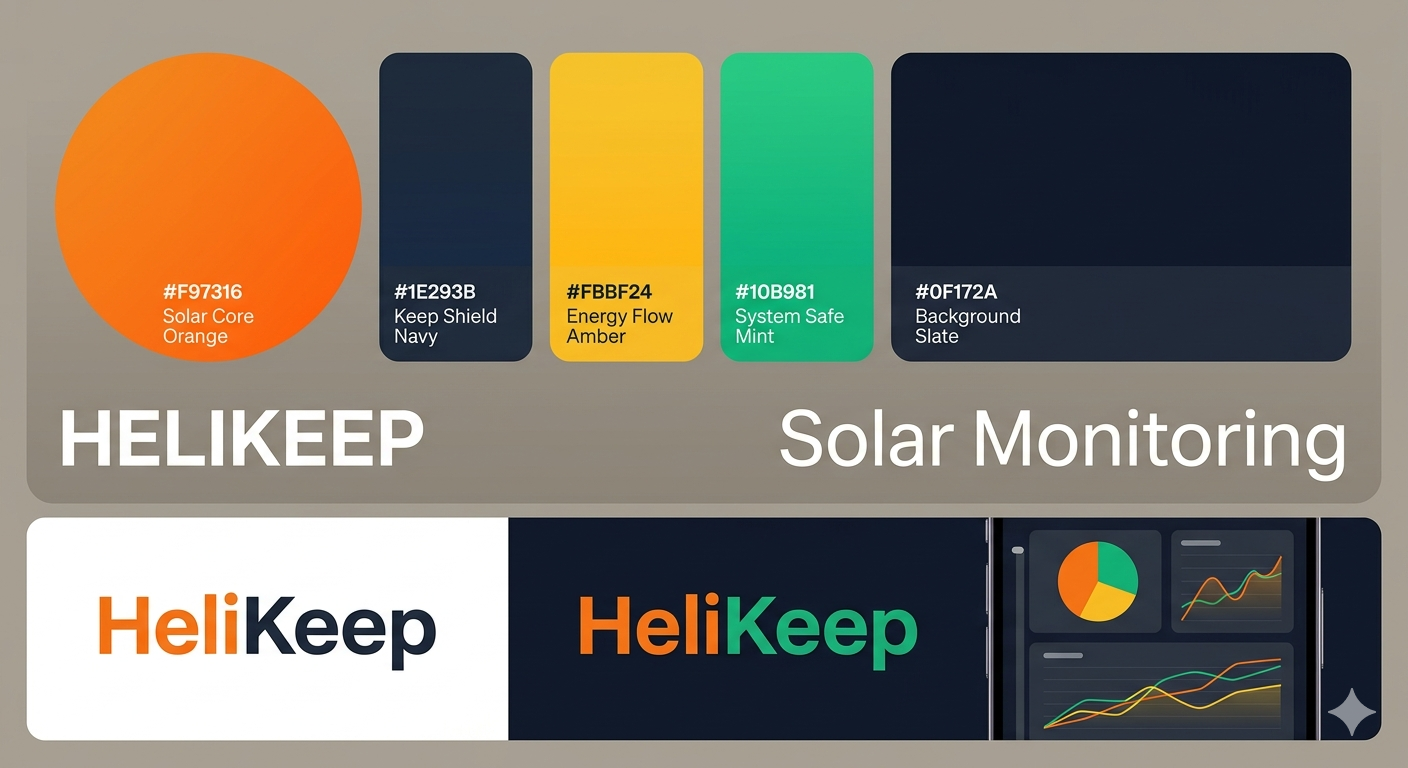
Dashboard preview — live interactive demo coming soon.
What You're Looking At
The main view shows everything at a glance.
Battery Voltage
The big number. Above 12.5V = good. Below 12.2V = time to worry.
Battery SOC (Voltage-Based)
More accurate than the charge controller's built-in estimate for most battery types.
Solar Power
How much power your panel is generating right now. Peaks around solar noon, zero at night.
Load Power
How much power your connected devices are consuming.
Battery Overnight Estimate
"Your battery will last until 6:42 AM" — the killer feature.
Charging Mode
Bulk (heavy charging), Boost/Absorption (topping up), Float (maintenance), or No Charging (night).
Historical Charts
Scroll down on your dashboard to see how the system has performed over time.
See the daily charge/discharge cycle. Voltage rises during the day and drops at night.
The classic bell curve of solar power. Compare days to spot problems.
Steady line for always-on devices, spikes for intermittent loads like fridge compressors.
Battery and controller temperatures. Useful for spotting overheating or freezing.
Alerts Feed
Recent events show up in the alerts panel.
Approaching the load shedding threshold.
Battery protection kicked in — loads disconnected.
Battery recovered, power restored automatically.
Track connectivity and device health.
Local Web Interface
Accessible on your WiFi network without internet.
Real-time data without needing the cloud.
Manual ON/OFF toggle for the load output.
See if load shedding is active and current thresholds.
WiFi, battery type, thresholds, firmware version.
Try It Yourself
The best way to experience Helikeep is to use it. Buy a device, plug it in, and you'll have your own dashboard in 5 minutes.